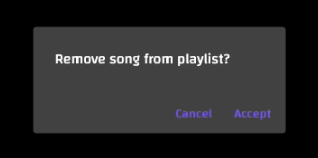
You may wish to delete songs from your playlist. This is as simple as opening your playlist, clicking on a song, and dragging it to the left.
Step 1: Open Your Playlist Open the playlist you wish to delete a song from.
Step 2: Drag and Drop the Song to the Left Find the song you wish to remove from your playlist. Click on the song. While holding your click, drag the song to the left. You will see a trashcan symbol appear on a red bar.
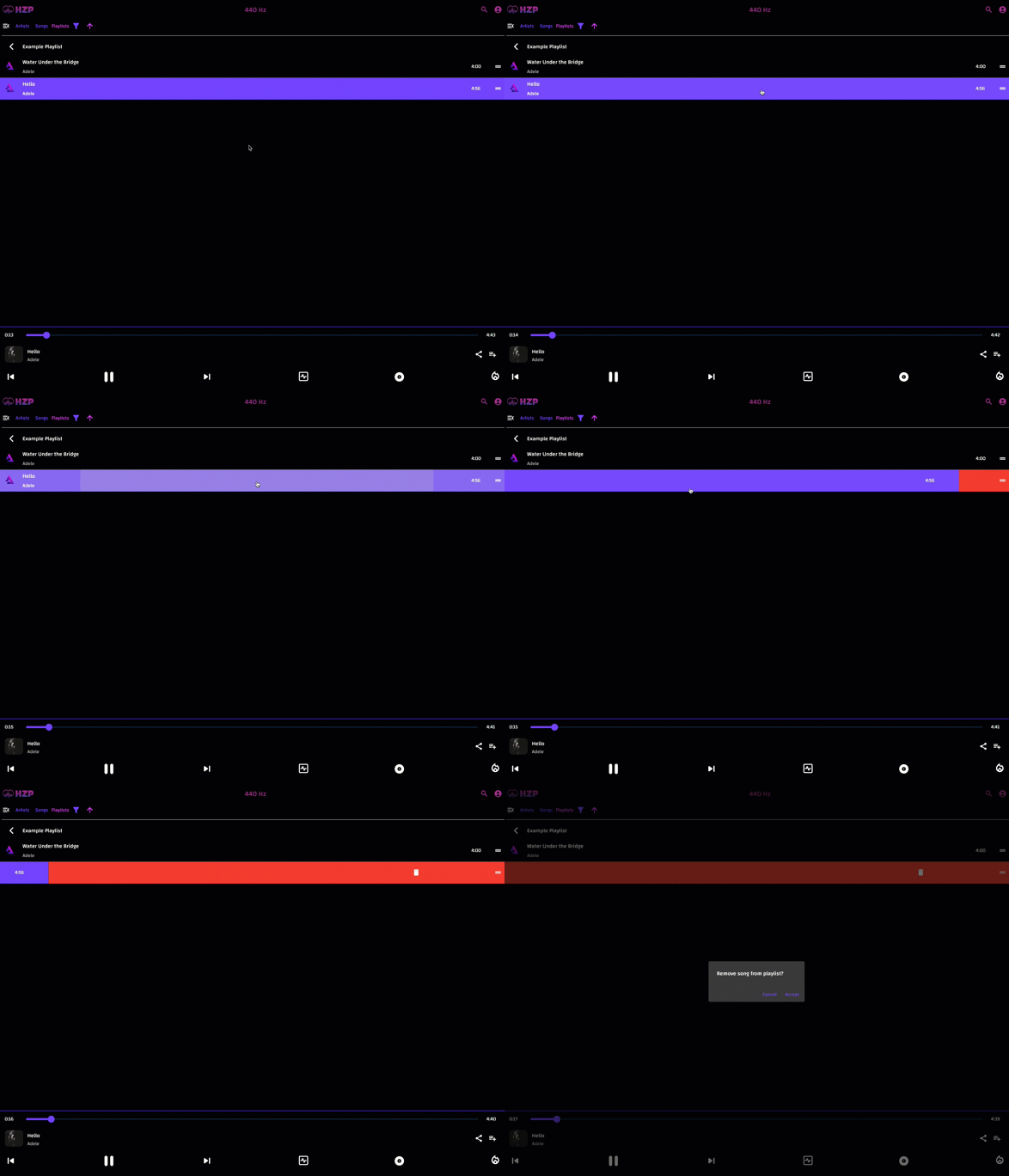
Step 3: Confirm Song Removal Confirm you wish to remove the song from the playlist by clicking the Accept button.