If you’ve purchased an HZP Amplify subscription and wish to switch your billing method, that’s no issue. Simply follow the steps outlined below.
Step 1: Open the Side Navigation Bar Open the side navigation bar by clicking on the account settings at the top left corner.
In the side navigation bar, find the Billing section and click on it.

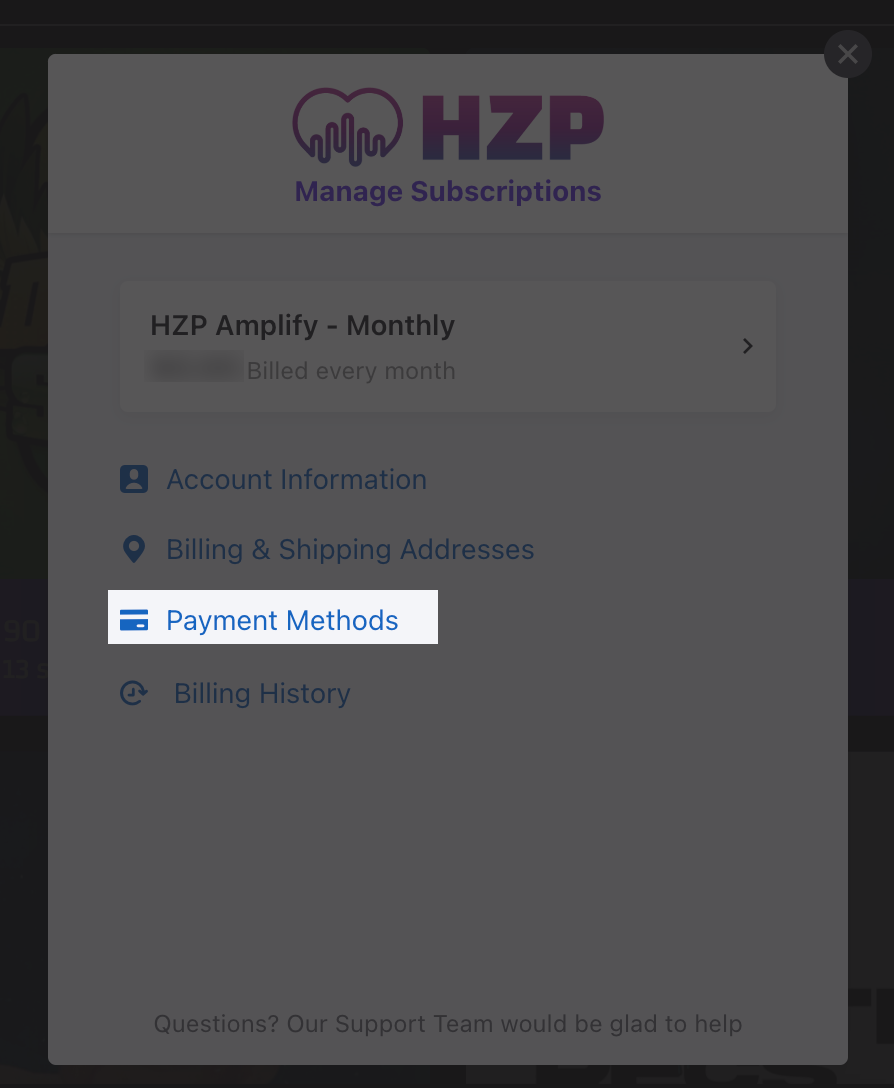
Step 2: Navigate to Payment Methods Within the Billing section, click on the Payment Methods link.
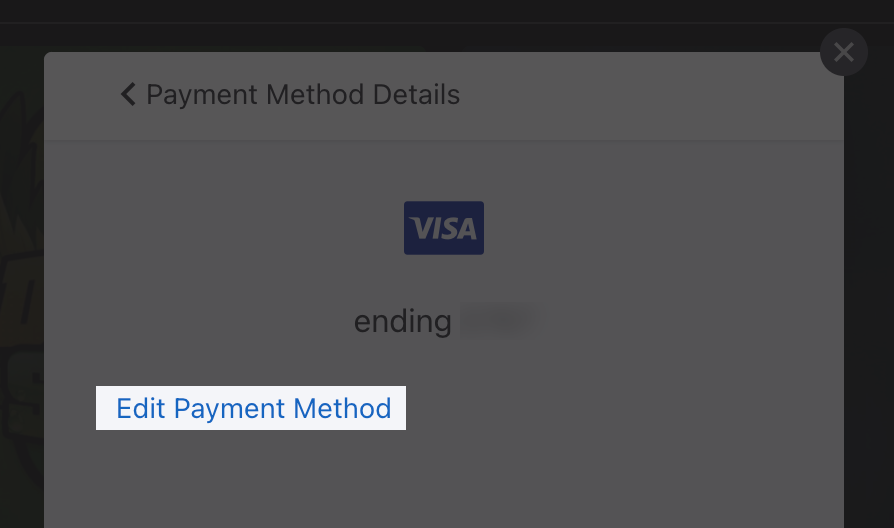
Step 3: Update Your Payment Method You’ll be able to see your current payment method for your HZP subscription. To update this, click the Edit Payment Method. You can update your payment method to a credit card, Paypal, or Google Pay.