We hope you will never want to delete your HZP account, but if you choose to, the deletion process is simple. Simply follow the steps below.
Step 1: Find the Account Section At the bottom of the left side menu, you will see a sign out option, simply click on it to sign out of your account.

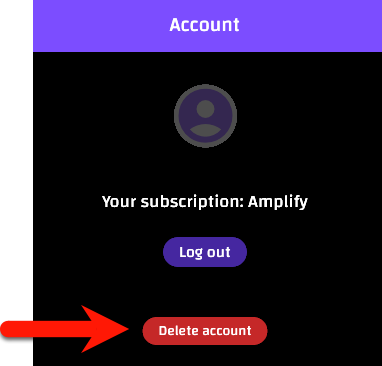
Step 3: Click the Delete Account Button To begin the account deletion process, click the Delete account button.
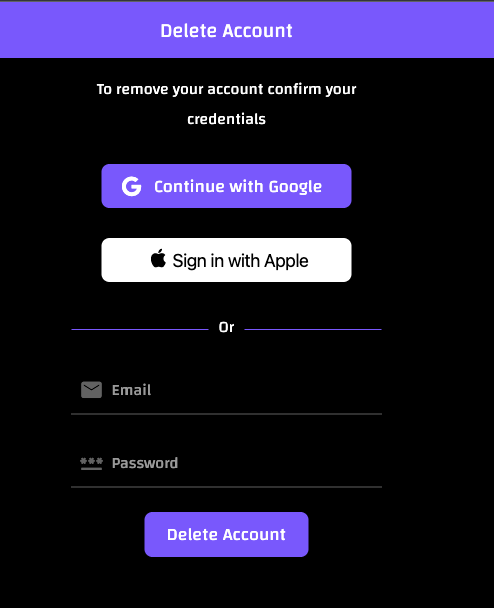
Step 4: Confirm Your Credentials In order to confirm account deletion, you will need to confirm your credentials. Then, click Delete Account. This action cannot be undone.