You’ll be able to determine how many seconds each visualizer will appear on the screen when you enter Visualizer Mode. Note that you will not be able to input a time of less than 3 seconds. If you attempt to, it will default to 3 seconds regardless.
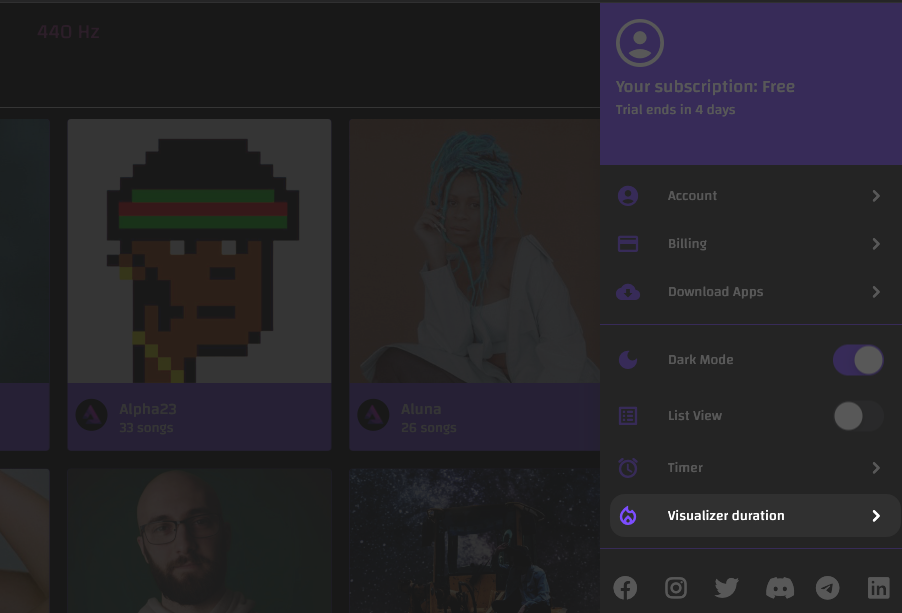
To enter Visualizer Mode, simply click the button that looks like a flame, the Visualizer button near the bottom right-hand corner of the screen.
Note that this is only available on the web app.